Choose the correct PS5 update file
For a PS5 firmware download, first decide whether the console needs a normal system software update or a full reinstallation. The normal package is for a working installation; the larger recovery package rebuilds system software and erases local data.
The reinstallation file is a different recovery package. It rebuilds the system software and deletes local console data. Do not choose it simply because an update failed once. First verify the USB format, folder names, filename and download integrity.
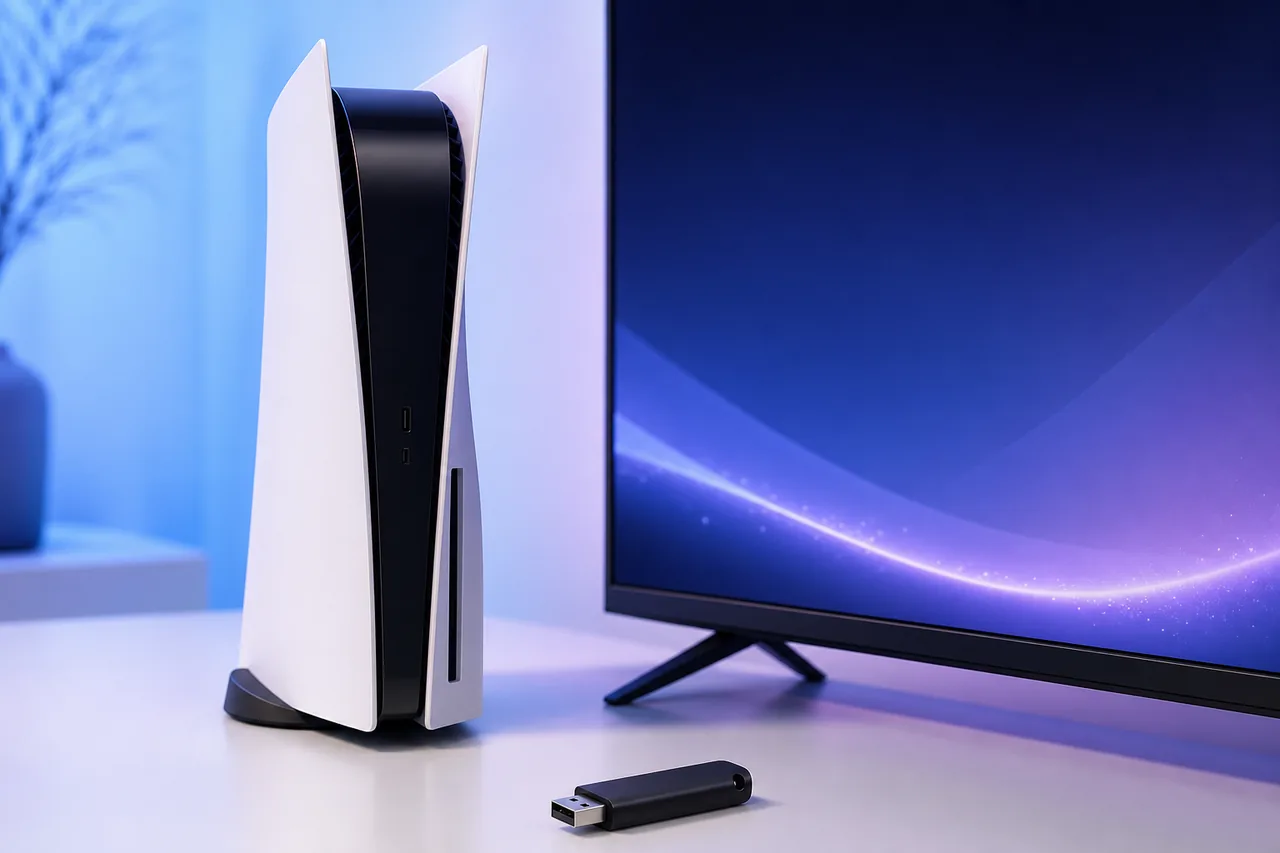
Update PS5 system software from USB
- 1
Format a USB drive as FAT32 or exFAT.
- 2
Create a folder named PS5 at the drive root, then create UPDATE inside it.
- 3
Save the normal package exactly as PS5/UPDATE/PS5UPDATE.PUP.
- 4
On the PS5, open Settings, System, System Software, System Software Update and Settings, then choose Update System Software.
- 5
For troubleshooting, start Safe Mode and choose Update System Software, then Update from USB Storage Device.
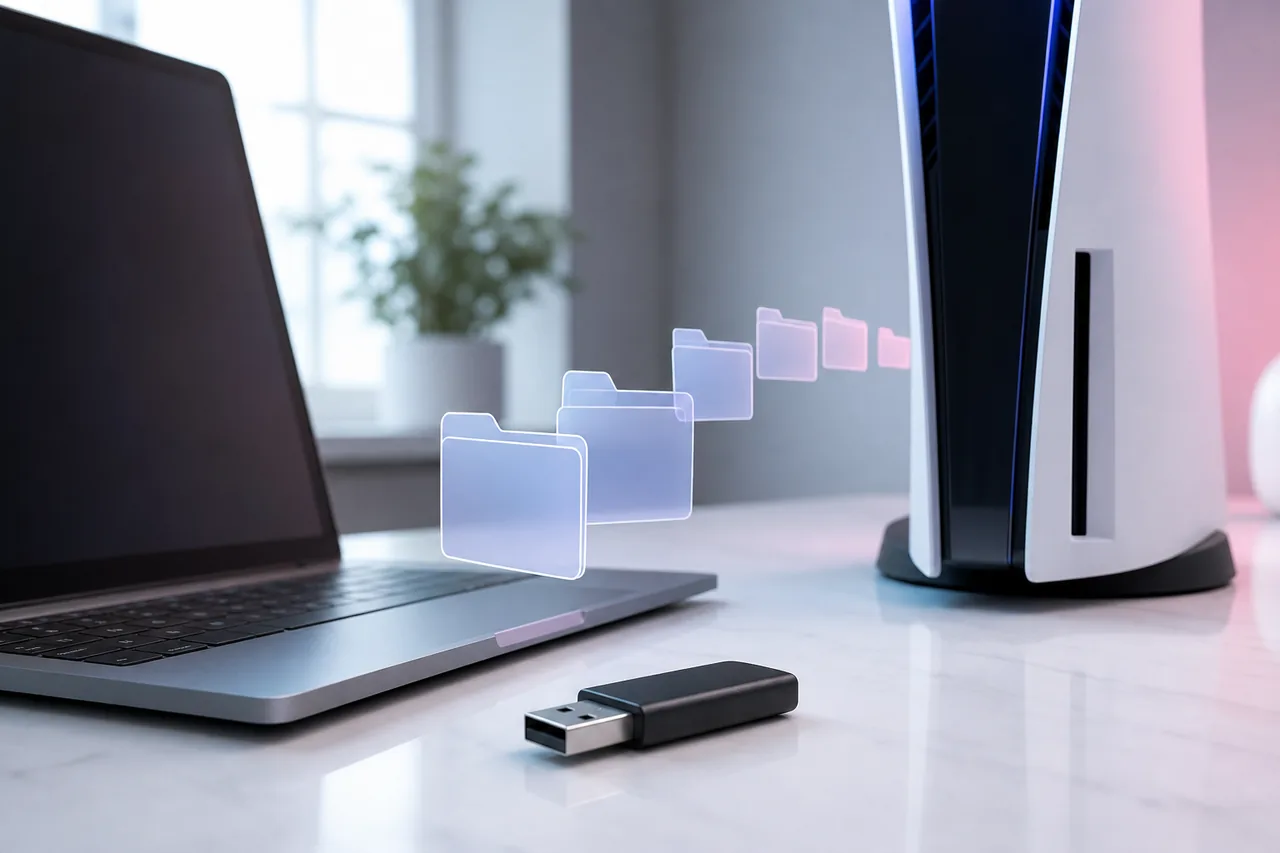
Use Safe Mode without choosing a destructive option
Turn the console off completely. Hold the power button again and release it after the second beep, then connect the controller with a USB cable. Safe Mode separates routine updating from reset and reinstallation choices.
Choose Update System Software when the installed system is still present. Choose Reset PS5 (Reinstall System Software) only when PlayStation specifically instructs you to reinstall, such as after severe storage corruption or a failed system replacement.
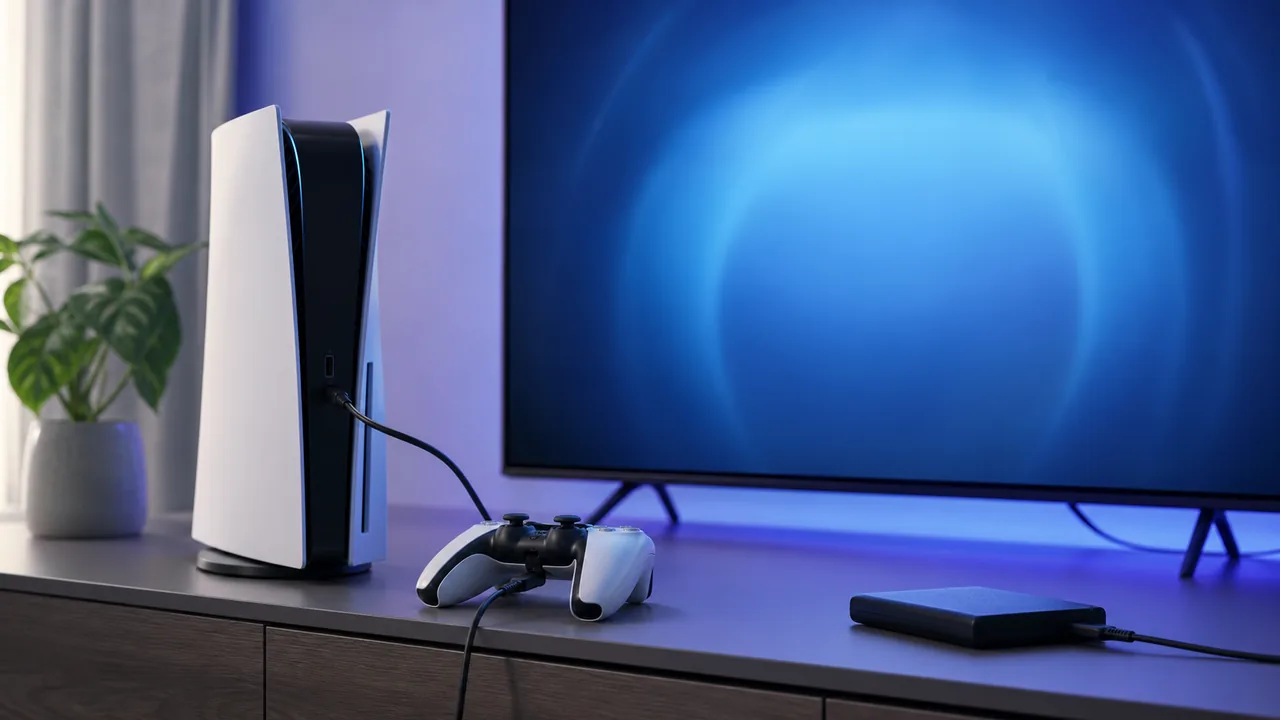
PS5 update troubleshooting checklist
- Make sure the USB drive uses FAT32 or exFAT, not NTFS.
- Use uppercase PS5 and UPDATE folder names and the exact PS5UPDATE.PUP filename.
- Remove duplicate suffixes such as PS5UPDATE (1).PUP or .PUP.PUP.
- Download the package again if the console reports that the file is corrupted.
- Keep power connected and do not remove the USB drive while the update is being installed.
What changed in version 26.04-13.42.00
PlayStation lists 26.04-13.42.00 as the current PS5 system software version on the official support page. The release improves system software performance and stability and updates messages or usability on some screens. Feature availability can vary by region, account and console model.
The package path contains a June 26, 2026 release date, while the CDN metadata was refreshed on July 1. FirmwareDownload.wiki records both the version and the date checked instead of claiming the link can never change.
Normal update versus PS5 reinstallation
The normal update preserves installed games, captures, accounts and settings in ordinary use. Its purpose is to move an existing PS5 installation to the current system software version.
The reinstallation package is larger because it contains what is needed to rebuild system software. Reinstallation initializes the console. Back up data that can be backed up and review PlayStation recovery guidance before selecting it.
Verify the download before installing
A legitimate PS5 offline update should come from a playstation.net update host reached through PlayStation Support. The expected filename is PS5UPDATE.PUP. Avoid archives that rename the file, bundle keys or tools, or claim to provide custom firmware.
The verified normal package size is 1,246,758,400 bytes and the verified reinstallation package size is 1,404,240,384 bytes. A partially downloaded file will be smaller and should be downloaded again.
When not to use an offline PUP file
Use the console's built-in online update when it works normally; it reduces folder and filename mistakes. USB updating is most useful for restricted networks, repeated download failures or Safe Mode recovery.
This page does not cover jailbreak, downgrade or custom firmware procedures. Those searches have a different intent and can introduce account, security and compatibility risks. The links here remain within Sony's official update channel.
PS5 Firmware Download and System Software Update 26.04-13.42.00 FAQ
What is the current PS5 firmware version?
PlayStation lists PS5 system software 26.04-13.42.00 as current when checked on August 13, 2026.
How large is the PS5 update file?
The verified normal update is 1,246,758,400 bytes, about 1.16 GiB. The separate reinstallation file is about 1.31 GiB.
What folder path does a PS5 USB update use?
Use PS5/UPDATE/PS5UPDATE.PUP on a FAT32 or exFAT USB drive.
Does a PS5 system update delete games?
A normal update is intended to preserve data. The reinstallation file initializes the console and deletes local data.
Can I use this file to downgrade or jailbreak a PS5?
No. These are current official PlayStation update packages, not downgrade or custom firmware tools.
How do I check my PS5 firmware version?
On the PS5, open Settings, choose System, then System Software and Console Information. Compare the displayed system software version with the official PlayStation package before choosing a USB update.