Samsung Galaxy S20 FE 5G firmware download: official record
The correct Samsung Galaxy S20 FE 5G firmware download starts with the full model code SM-G781B. Samsung's official Notify Update page for the INS CSC lists build G781BXXSIHYJ4, Android 13, the October 1, 2025 security patch and a release date of October 30, 2025.
That build is a regional example, not a universal latest package for every country. Other SM-G781B CSC pages can show a different build suffix or release date. Treat the live Samsung page for your CSC as the decision point and do not turn a regional record into a global download claim.
Check the SM-G781B model, CSC and region
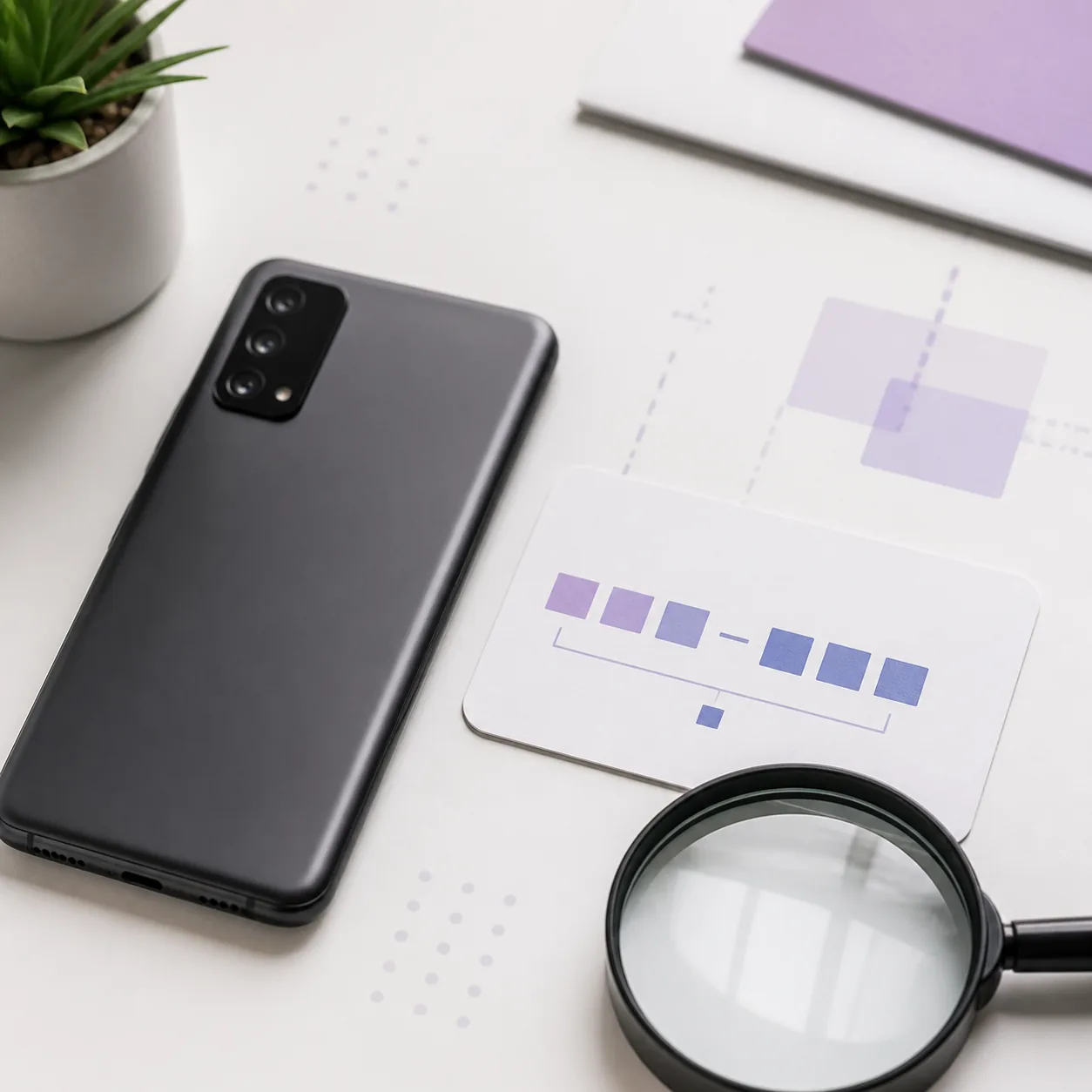
Read the model code in Settings, on the retail label or in recovery information. The retail name Galaxy S20 FE 5G is not specific enough for a manual package. Also record the active CSC, carrier or sales region and the complete current build string before you leave the device's normal update screen.
A model match without a region match can still produce the wrong carrier settings, language options or update path. Use Samsung's built-in software update, official model support or Smart Switch whenever it is available for the device.
| Check | What to match | Why it matters |
|---|---|---|
| Model code | SM-G781B | Do not substitute SM-G781U, SM-G781N or another SM code. |
| CSC / region | The device's active sales or carrier code | A different CSC can change carrier features and update availability. |
| Build / binary | The installed software revision | A lower bootloader binary may be blocked as a downgrade. |
Choose OTA, Smart Switch or a manual service package
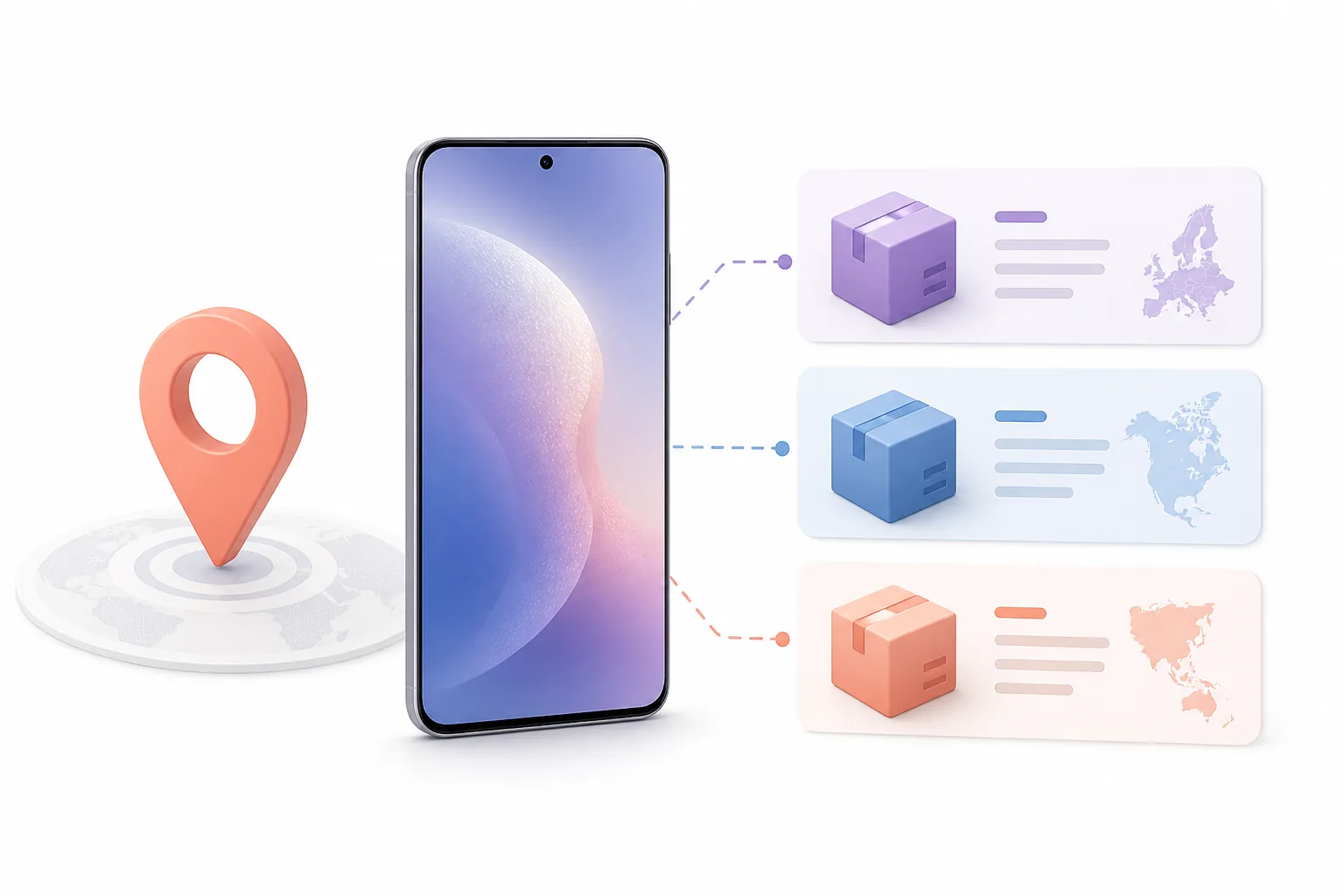
For an ordinary update, start with Settings > Software update. Samsung Smart Switch can provide supported update or recovery workflows on a PC or Mac for compatible phones. These routes keep the model and delivery checks close to the device and are usually safer than selecting a file from a search result.
Manual service firmware is an advanced path. This page does not provide an Odin package or a bypass tool, and it does not certify third-party archives. If an authorized service procedure is required, follow the instructions for the exact SM-G781B CSC, back up important data and keep the phone on stable power.
- 1
Record SM-G781B, the active CSC and the installed build number.
- 2
Check Samsung's official update notice or model support page for that region.
- 3
Prefer the phone's OTA updater or Samsung Smart Switch when supported.
- 4
If service work is unavoidable, verify the binary level and authorized instructions before handling a package.
- 5
After updating, confirm the build number, baseband, Wi-Fi, camera and account sign-in.
Understand Android version and bootloader limits
The official regional record checked for SM-G781B shows Android 13. A search phrase such as Samsung S20 FE Android 14 does not prove that an Android 14 package is compatible with this model or CSC. Do not select a package only because its Android label looks newer.
Samsung devices can reject an older bootloader binary with a message such as SW REV CHECK FAIL. Repeating the same flash will not solve a binary mismatch. Stop, record the full error and return to the exact model, CSC and current build information before choosing a supported next step.
- Never use the retail name alone to identify a firmware package.
- Do not assume a different CSC is interchangeable because the phone looks identical.
- Do not treat Android version, security patch date and bootloader binary as the same field.
- Do not attempt a downgrade unless Samsung's authorized service instructions confirm it.
- Keep a backup and recovery method ready before any manual service operation.
Verify the update and handle a failed installation
Samsung's official pages checked for this model did not publish a stable raw file URL, a universal package size or a checksum. That is why the download buttons above lead to official update records and model support rather than an invented mirror link. A source page can change as CSC-specific releases move through Samsung's update system.
After an update, open Settings and check the software build, baseband and security patch date. Test cellular service, Wi-Fi, Bluetooth, camera and account sign-in before restoring every app. If the phone fails to boot or an update error repeats, preserve the exact message and use Samsung's official recovery or support route instead of cycling through unrelated archives.
- 1
Confirm the destination is a Samsung domain and names SM-G781B or the correct CSC.
- 2
Let the official update or Smart Switch process finish without disconnecting power or cable.
- 3
Record the resulting build and security patch date in your maintenance notes.
- 4
If the result is rejected, stop before trying a lower binary or a different-region package.
- 5
Contact Samsung support or an authorized service provider when recovery instructions are unclear.
Samsung Galaxy S20 FE 5G SM-G781B Firmware FAQ
How do I download firmware for Samsung SM-G781B?
Start with the official Samsung update notice or model support page for the device's CSC and region. The checked source does not expose one universal raw package URL, so use Samsung's OTA, support or Smart Switch route instead of an anonymous mirror.
Is G781BXXSIHYJ4 the latest SM-G781B firmware everywhere?
No. It is an official INS regional example checked on August 22, 2026. Other CSC pages can show different build suffixes and dates, so verify the page for your own region before updating.
Can I install Android 14 on the Galaxy S20 FE 5G SM-G781B?
The official regional record checked here lists Android 13. Do not infer compatibility from a search phrase or another model. Confirm the Android version and build on Samsung's page for your exact CSC.
What does SW REV CHECK FAIL mean?
It commonly indicates that the selected package has a bootloader binary lower than the device accepts. Do not repeat the same flash or try a random region; check the full current build and use an authorized compatible route.
Should I use Odin to install SM-G781B firmware?
Manual flashing is an advanced service workflow and can erase data or create compatibility problems. Prefer OTA or Smart Switch, and only follow an authorized procedure that matches the exact model, CSC and binary level.
Official sources checked
These links are first-party references for the model and update paths. They are not a claim that Samsung endorses FirmwareDownload.wiki.
- Samsung Notify Update — SM-G781B / INS Regional official build and security-patch record used for the example above.
- Samsung Support downloads Official product and model support entry point.
- Samsung Smart Switch support Official supported update and recovery path for compatible devices.