
When to use an Xbox offline system update
Try the normal network update first. Use OSU1 only when Startup Troubleshooter offers the offline option. Record the full error code because storage trouble, interrupted power, or an Insider mismatch can look like a package failure.
Use the least destructive recovery choice and confirm the console is not simply offline because of a router or service problem. OSU1 should answer a recovery need, not replace routine maintenance.
Prepare the OSU1 USB drive
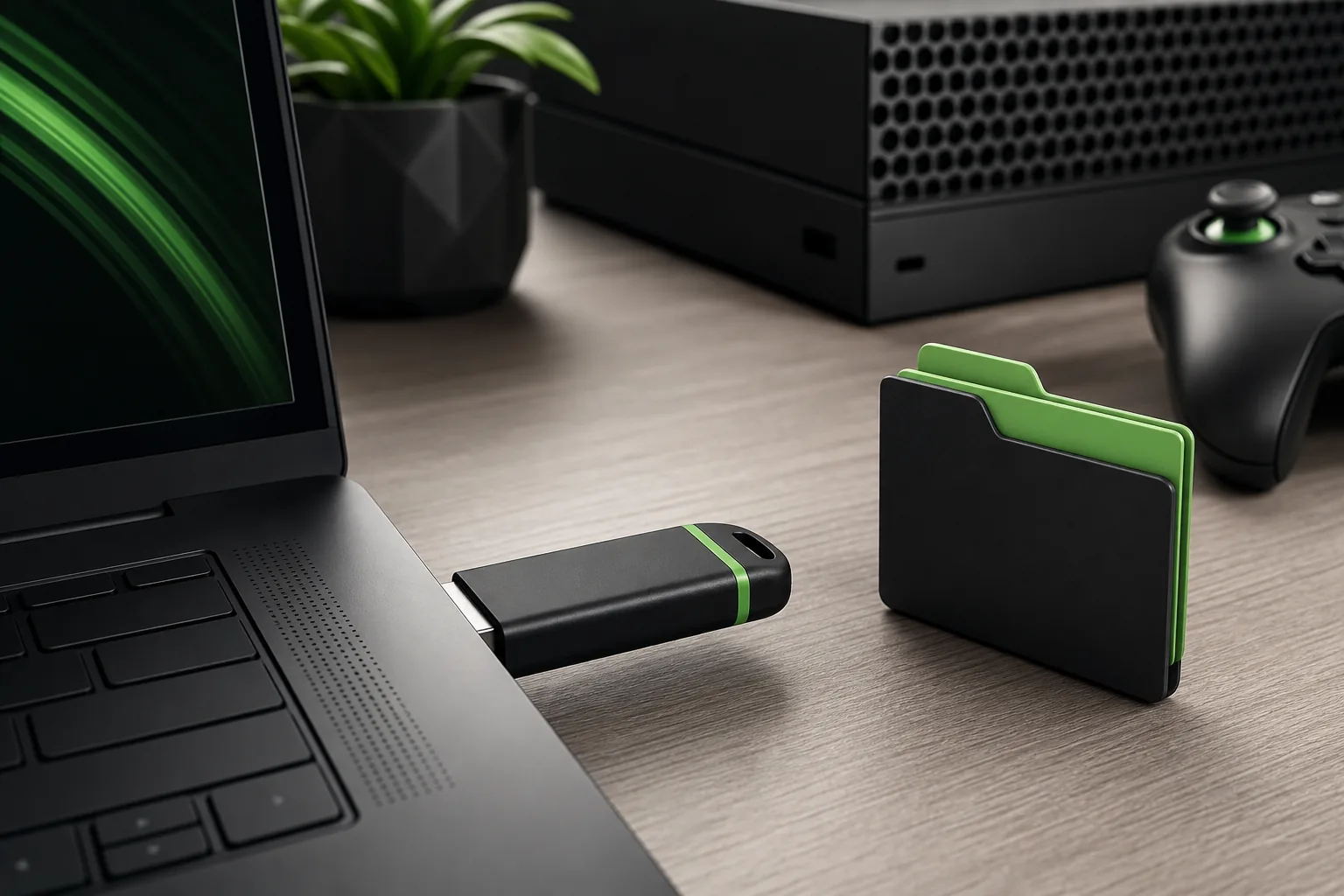
Use a USB drive with at least 8 GB free. Format it as NTFS, extract OSU1.zip, and copy the single $SystemUpdate folder to the drive root. Do not copy the ZIP or nest the folder inside another directory.
After extraction, open the drive and confirm $SystemUpdate is visible immediately. Safely eject the drive; an incomplete copy or an extra folder level prevents detection.
- OSU1.zip
- NTFS
- $SystemUpdate
- 8 GB minimum
- Stable power
Run the update from Startup Troubleshooter
Insert the prepared drive into the powered-off console and use the model-specific buttons documented by Xbox Support to open Startup Troubleshooter. Choose Offline system update and let every restart finish.
Keep the console connected to stable power. Do not remove USB during installation, and wait until setup or the dashboard appears before assuming the process has finished.
- 1
Read Xbox Support
- 2
Prepare USB
- 3
Open Startup Troubleshooter
- 4
Select offline update
- 5
Wait for completion
What to do when OSU1 fails
If installation fails immediately, recheck NTFS formatting, folder placement, and the download. Try another known-good drive or port. An Insider preview may be newer than public OSU1, so an unofficial mirror will not fix compatibility.
A repeated failure at the same percentage can indicate internal storage trouble. Stop endless retries and review official device service options when a clean second USB produces the same result.
OSU1 versus Reset this Xbox
OSU1 repairs system software through the supported recovery path. Reset this Xbox is separate and may remove accounts, settings, installed content, or local data. Choose the least destructive option shown for the error.
Read every reset label before confirming it. Cloud-synced data may return later, but local captures or saves that were never synchronized can be lost.
How the official OSU1 file was verified
The Xbox short link redirected to a stable download.microsoft.com address. A byte-range request returned the ZIP signature, filename OSU1.zip, total length 6,229,325,007 bytes, and a July 14, 2026 Last-Modified value. Microsoft does not expose a clear OS version in the filename, so this page records the file revision and check date instead of claiming permanent latest status.
Avoid unofficial Xbox firmware mirrors
A mirror cannot make an older or Insider build compatible. It only adds uncertainty about age and file modification. This guide covers official recovery, not downgrade, jailbreak, development-mode bypass, or preview firmware distribution.
Xbox offline system update FAQ
What is the official Xbox OSU1 download?
OSU1.zip is the offline package linked by Xbox Support and hosted on download.microsoft.com.
How large is OSU1.zip?
The verified file is 6,229,325,007 bytes, about 5.80 GiB.
Should the USB drive be NTFS or FAT32?
Xbox Support requires an NTFS-formatted USB drive.
Why is Offline system update unavailable?
Check NTFS, the $SystemUpdate folder at the drive root, and whether an Insider build is newer than public OSU1.
Can OSU1 downgrade an Xbox?
No. OSU1 is not a supported downgrade package.