
Identify the ER605 hardware and region first
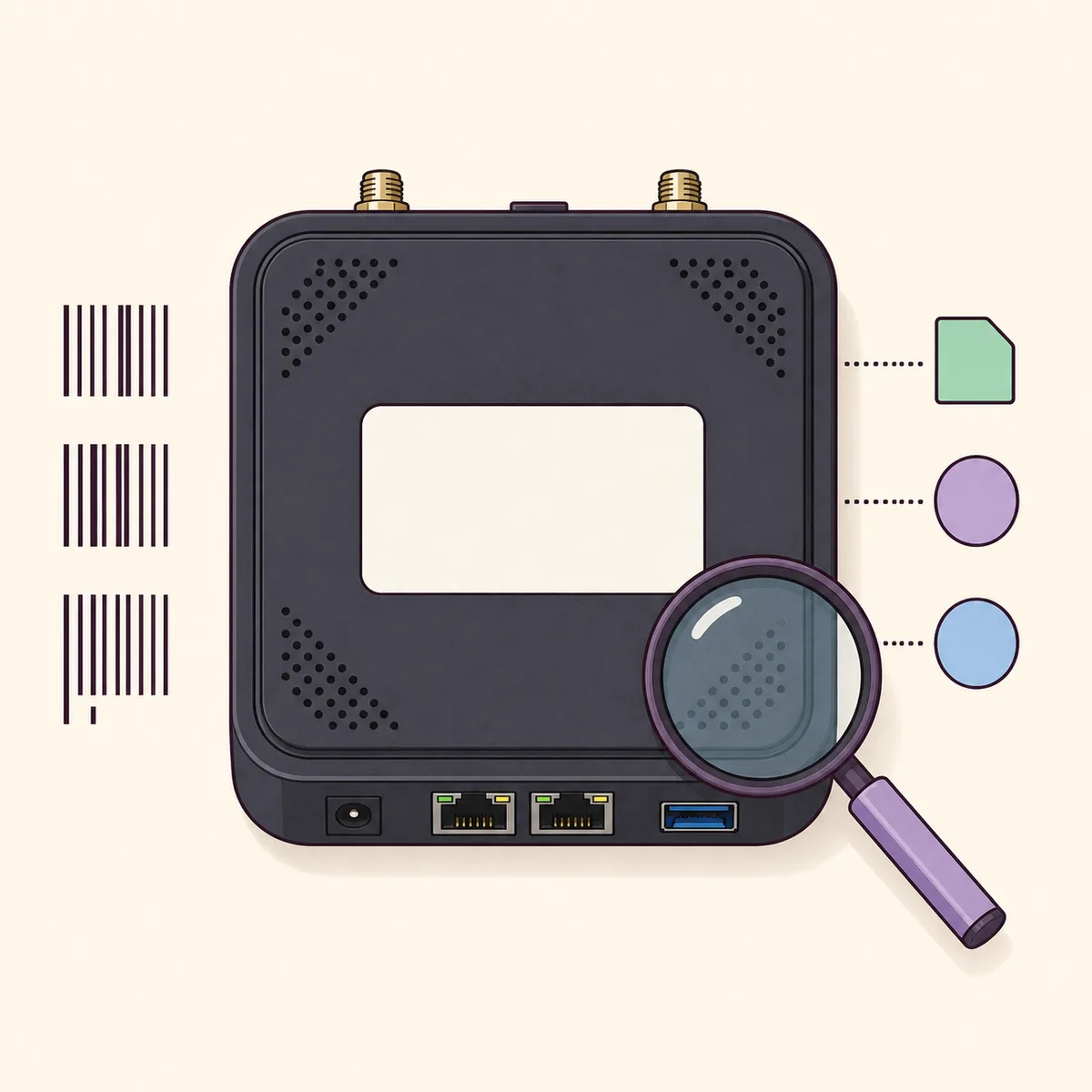
Read the product label, Omada device page and current controller inventory before downloading. ER605 pages are separated by hardware and regional families, so the model name alone is not enough to prove compatibility.
The direct file above is an UN example for the v2.0/v2.20 family shown on the English support page. Regional pages can expose different hardware selections or country-specific package rules. Treat the printed label and the matching first-party page as the authority.
- Record ER605, the hardware revision and the country or region printed on the device.
- Match the Omada support page to the market where the gateway was sold.
- Check whether the device is managed by an Omada controller and note its current firmware.
- Stop when the support page does not list the same hardware family or regional variant.
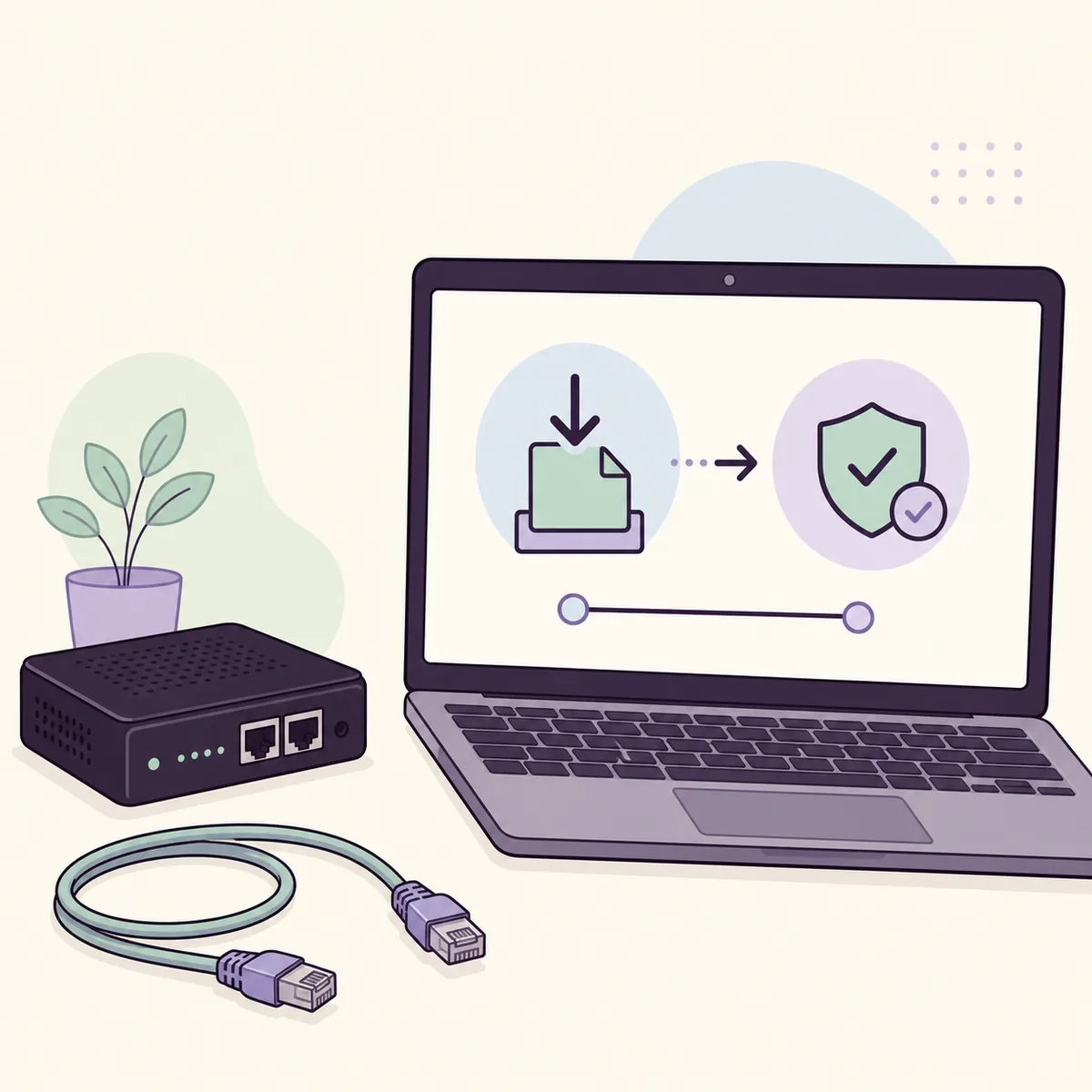
Latest official TP-Link ER605 firmware package
The official Omada page checked on August 16, 2026 shows 2.4.5 Build 20260721 Rel. 81048 for the selected ER605 hardware page. The release notes state that the build focuses on device stability and does not add new features or enhancements.
The package is a verified UN/US reference, not a promise that the same file applies to every ER605 sold worldwide. The page lists multiple UN, IN and BR hardware families, so use the regional selector when your label does not match the example.
| Route | Best fit | Caution |
|---|---|---|
| Official UN/US package | ER605 in the matching UN hardware family | The direct ZIP is a regional example; do not use it by model name alone. |
| Regional Omada page | EU, Japan, India, Brazil or another sales region | Select the exact region and hardware entry before downloading. |
| Controller-managed update | ER605 already adopted by Omada | Follow the controller's compatibility and backup guidance. |
| No matching entry | Unclear, ISP-customized or rebranded hardware | Stop and contact TP-Link or the provider instead of forcing a close match. |
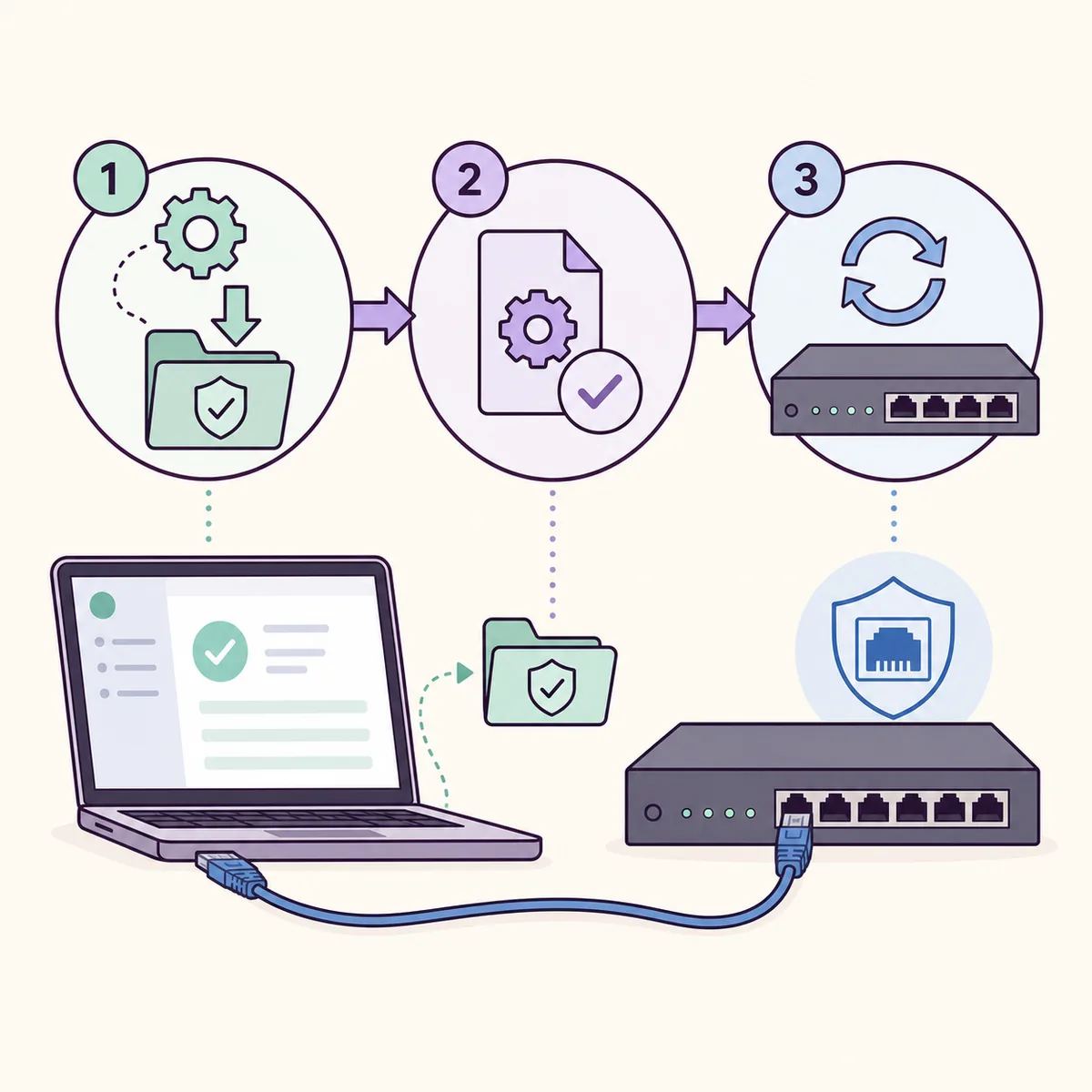
How to update ER605 firmware safely
Export the current configuration when the controller or device interface offers a compatible backup. Write down WAN, VLAN, VPN, policy-routing and custom DNS settings that must be restored after the gateway reboots.
Use stable power and a wired management connection. The exact upload path depends on whether ER605 is standalone or adopted by Omada Controller, so the model-specific TP-Link instructions take priority over a generic router tutorial.
- 1
Confirm the ER605 model, hardware family, regional page and installed firmware version.
- 2
Open the matching official Omada page and read the release notes, minimum-version requirement and downgrade warning.
- 3
Export a compatible configuration backup and record the current WAN, VLAN and VPN settings.
- 4
Download the official ZIP, verify that the filename and target hardware match, and extract it only when the official instructions require extraction.
- 5
Start the update through the documented standalone or Omada Controller workflow over a stable wired connection.
- 6
Keep power and management access stable until the gateway reboots, the controller reconnects and the version is visible again.
Why an ER605 firmware upload can fail
A rejected upload does not mean that another mirror is safer. The common causes are an incorrect hardware family, regional package, unsupported downgrade, incomplete archive or a controller/device-version mismatch. Read the exact error and return to the official page for the printed revision.
Some releases require a minimum starting version, and the official notes may disallow downgrade without technical support. Avoid repeated attempts with guessed files, especially when the gateway carries business VPN or VLAN rules.
- The file is for another ER605 hardware or regional family.
- The ZIP was damaged, partially downloaded or uploaded in the wrong format.
- The installed version is below a documented minimum or a downgrade is unsupported.
- The controller's adoption state or firmware channel does not match the package.
- Power or the wired management connection was interrupted during the write.
- The device is ISP-customized and requires provider firmware or support.
What to verify after the update
Wait for the gateway and controller to finish reconnecting before changing several settings. Confirm the installed version, adoption state and management access first, then check the internet link, VLANs, VPN tunnels, firewall policies, DHCP reservations and DNS behavior.
If settings return to defaults, restore only a backup that the official instructions identify as compatible with the new release. Keep the version record and release notes for future support; a successful reboot does not make a regional package universally compatible.
- Confirm 2.4.5 Build 20260721 Rel. 81048 or the regional version you intentionally selected.
- Check controller adoption, WAN access, LAN ports, VLANs and VPN tunnels.
- Verify firewall, DHCP and DNS behavior before returning the gateway to normal traffic.
- Keep the backup, hardware label record and official release page for rollback planning.
TP-Link ER605 Firmware Download FAQ
What is the latest TP-Link ER605 firmware?
The official Omada page checked on August 16, 2026 shows 2.4.5 Build 20260721 Rel. 81048 for the selected ER605 hardware page. Check your regional page because hardware families and packages differ.
Can I install the UN ER605 file on an EU or Japan device?
Do not cross-install it just because the model name matches. Use the TP-Link or Omada page for the device's sales region and hardware family unless the official documentation explicitly lists the package.
How do I find my ER605 hardware version?
Read the product label and compare the hardware family shown in the matching Omada support page or controller inventory. Do not infer it from a reseller title or from another ER605 owner's filename.
Should I update ER605 through Omada Controller?
If the gateway is adopted, follow the controller's official upgrade workflow and compatibility guidance. A standalone gateway may expose a different upload path, so do not substitute a generic router tutorial.
Why does ER605 reject the firmware ZIP?
Recheck hardware family, region, minimum starting version, archive completeness and controller adoption state. The official notes may disallow downgrade; random mirrors do not solve a compatibility mismatch.
Is the ER605 firmware download a direct file?
The verified UN example is a stable official TP-Link static ZIP URL that returned HTTP 200 and application/octet-stream on August 16, 2026. Use the secondary Omada page for another region or hardware family.
Official verification sources
The ER605 version, package link and regional boundary were checked on August 16, 2026. TP-Link and Omada remain the authority for current releases, compatibility and supported recovery steps.
- Omada ER605 firmware page Official version listing, release notes, hardware-family selector and download notice.
- TP-Link hardware version FAQ Official guidance for finding the hardware version printed on a TP-Link device.
- TP-Link router firmware update FAQ Official general update precautions and the model-specific support boundary.